View a Spiderweb
For one person or company:
- Profile page: scroll to Mandates > Explore mandates or Explore the full Spiderweb
- Profile page: scroll to Participations > Explore mandates or Explore the full Spiderweb
- 'Spiderweb' tab
For multiple companies or individuals:
- Entity group: navigate in your openthebox account to Lists at the top right
- Click on Entity group > Show Spiderweb
View the analytics
- Go to a Spiderweb
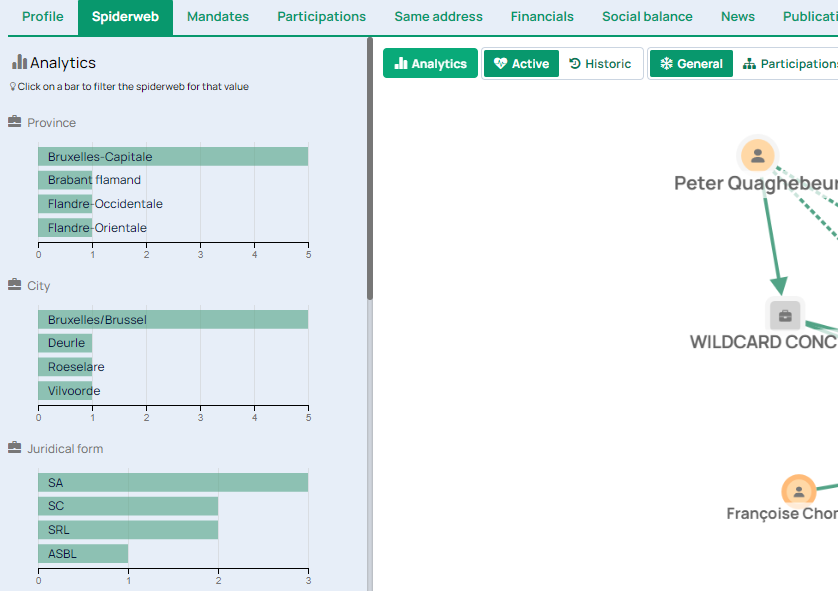
- Click in the top left corner on analytics and view aggregated information about the companies and individuals visible in the Spiderweb

- Filter the companies and individuals visible in the Spiderweb by clicking on a parameter (e.g., 'Brussels Capital Region').